

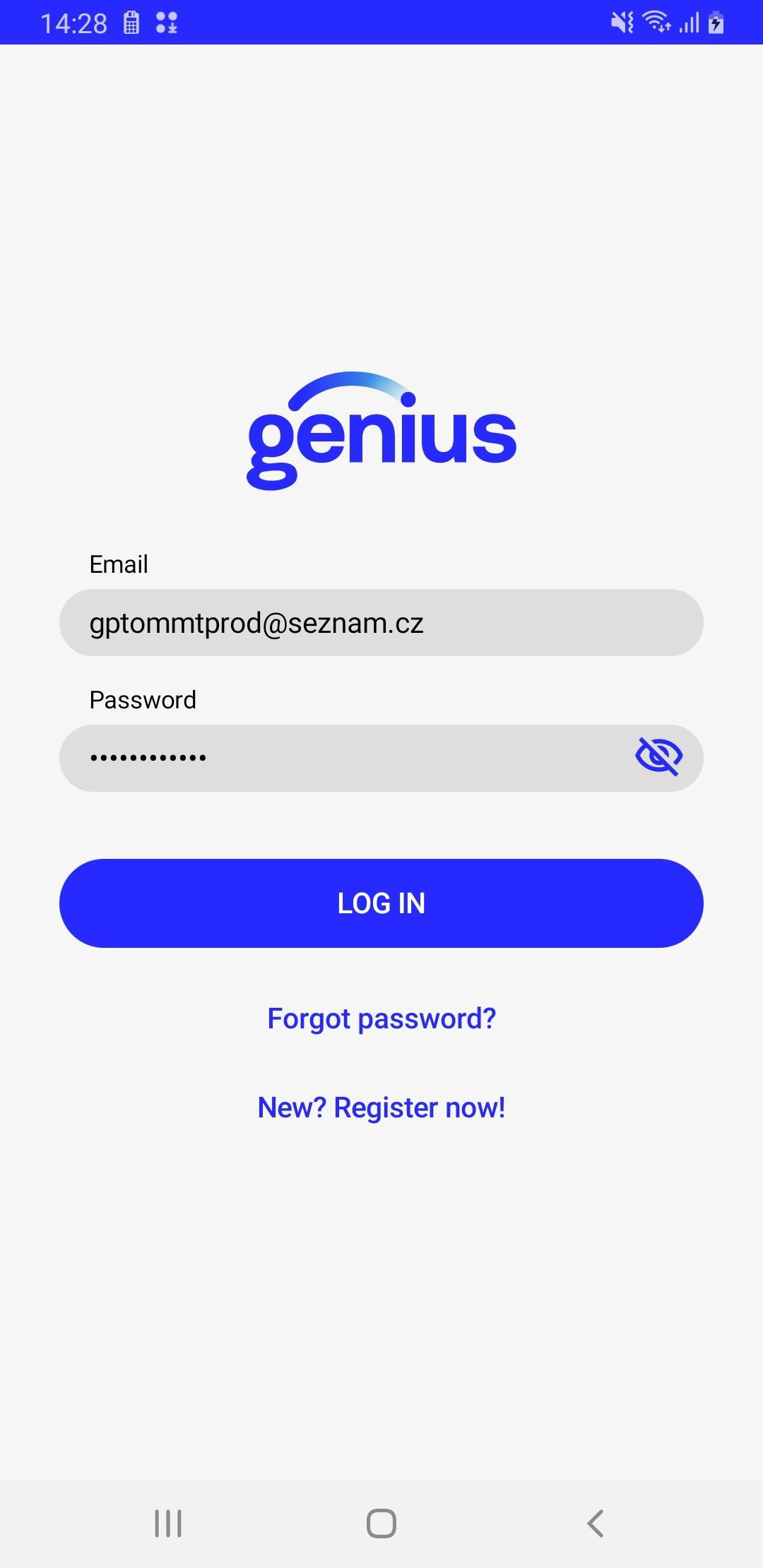
In the username and password fields, enter the information you received from us in your email.
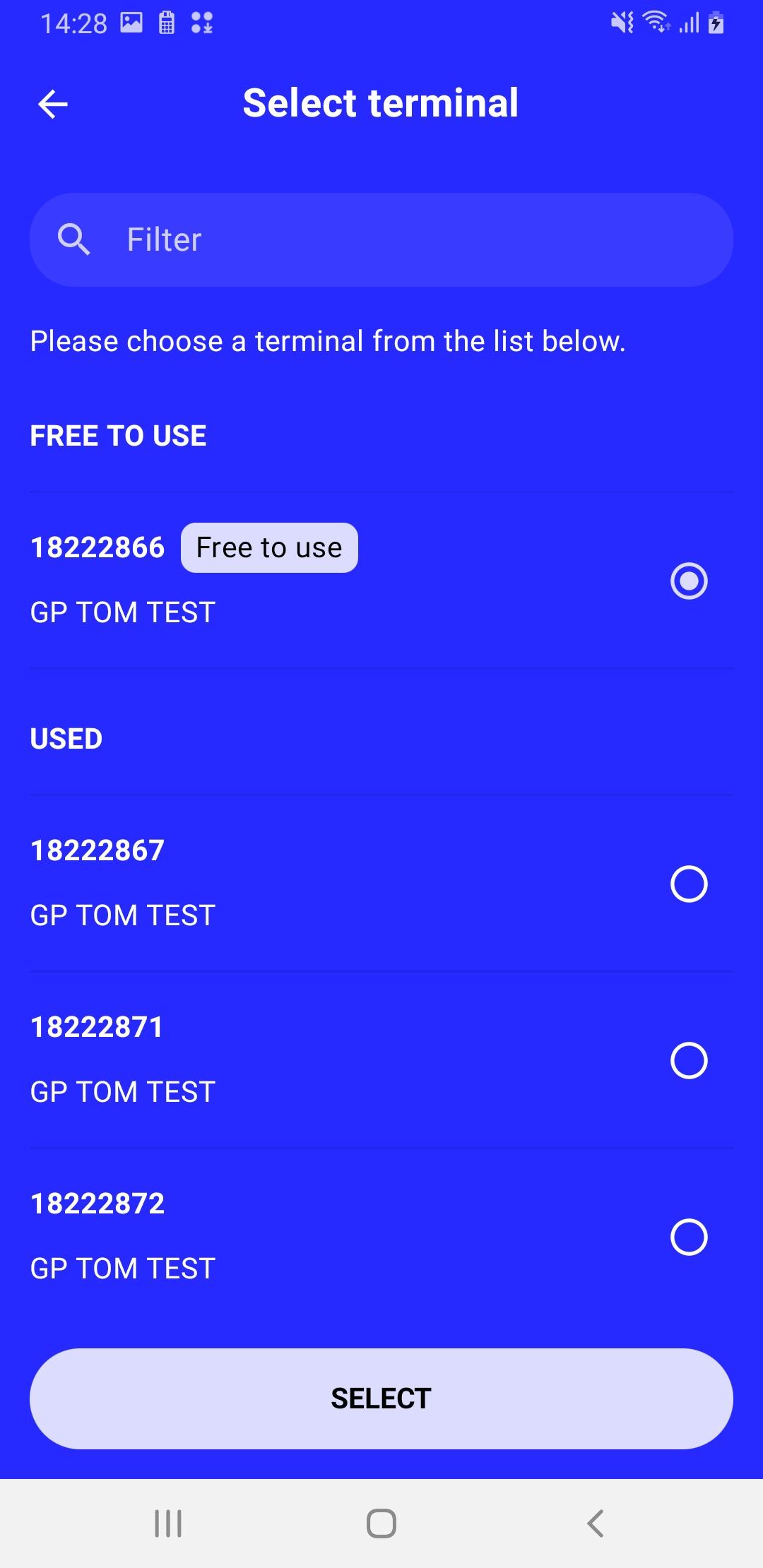
When you first start up, you need to select the TID you want to use on the device. Select from the list that appears and confirm.
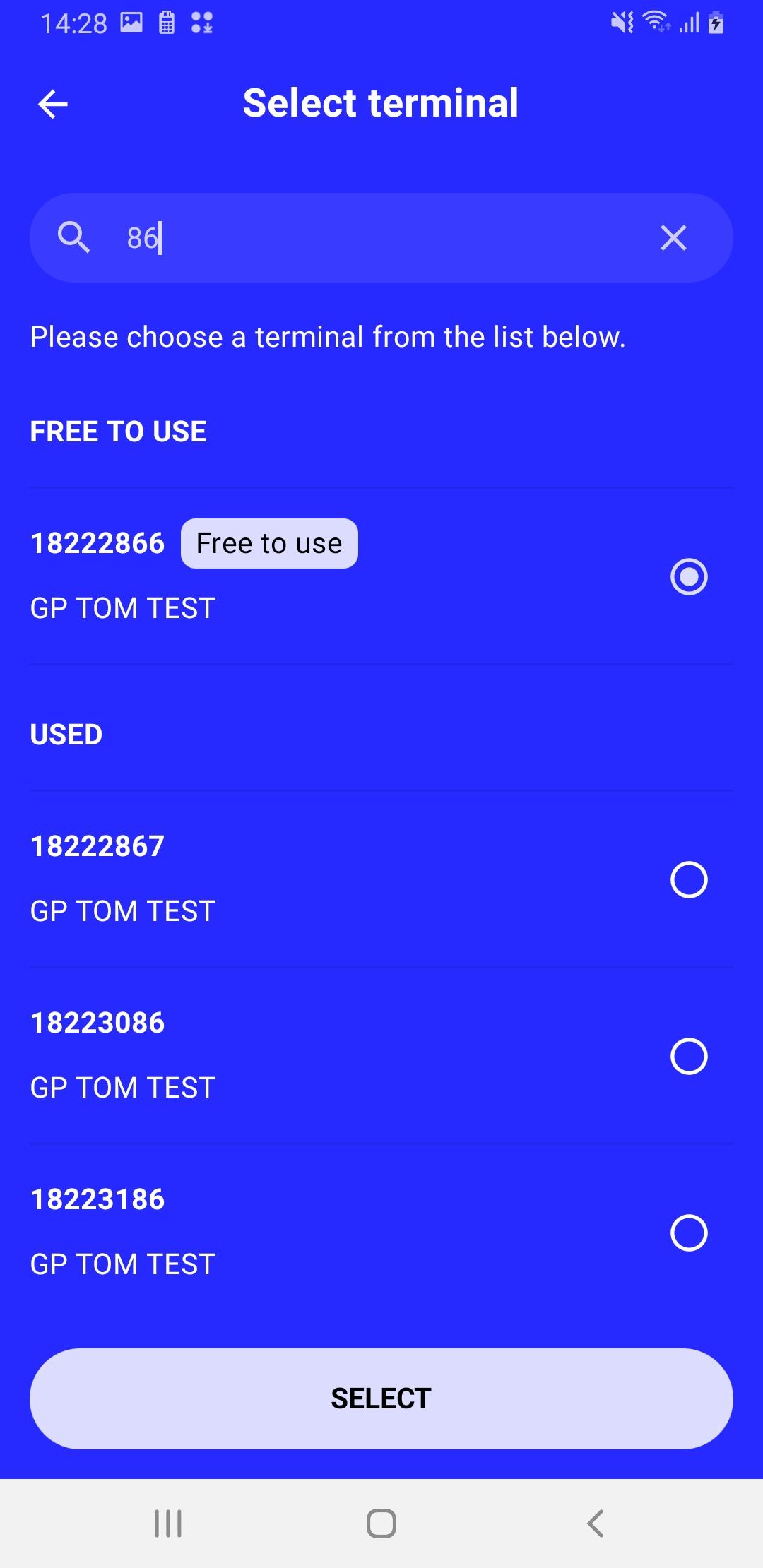
As of version 1.56.0, you can use a filter to search for a specific terminal. Simply enter numbers or letters, and all terminals containing those characters will be displayed.
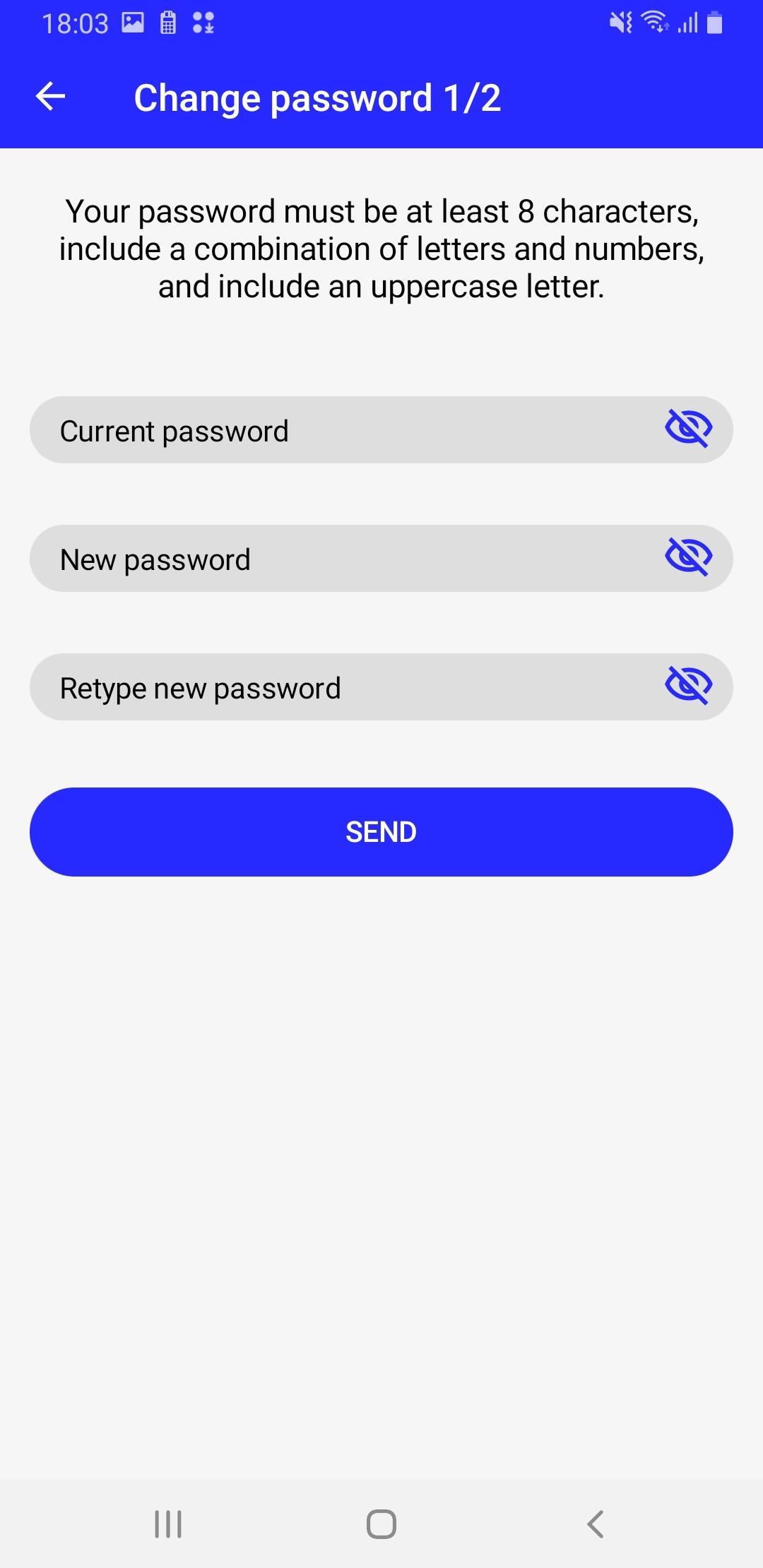
Then please set your own password to log in to the application.
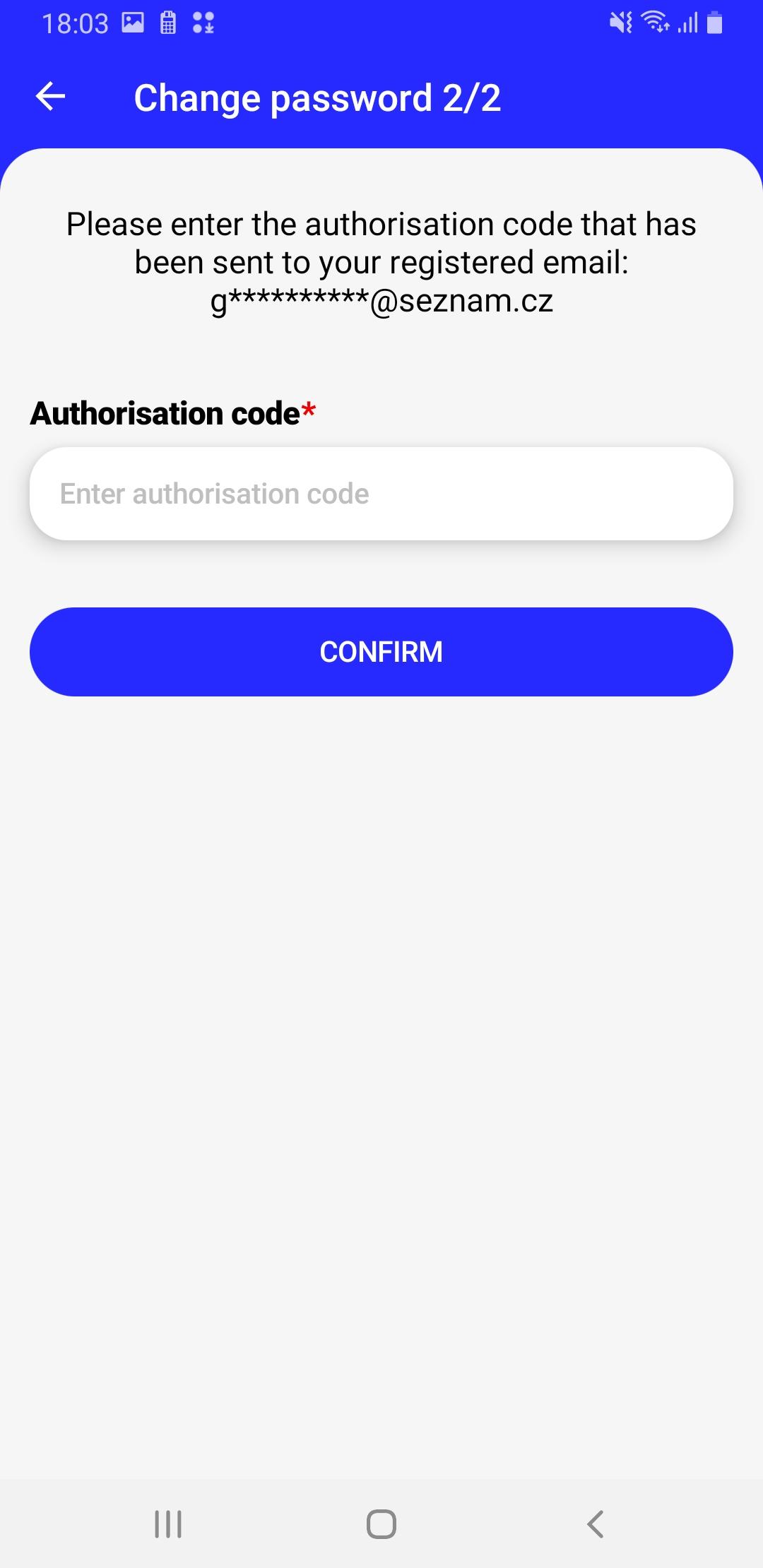
Once you have confirmed your password, we will automatically send you an authorisation code by email. Please enter this code into the app.
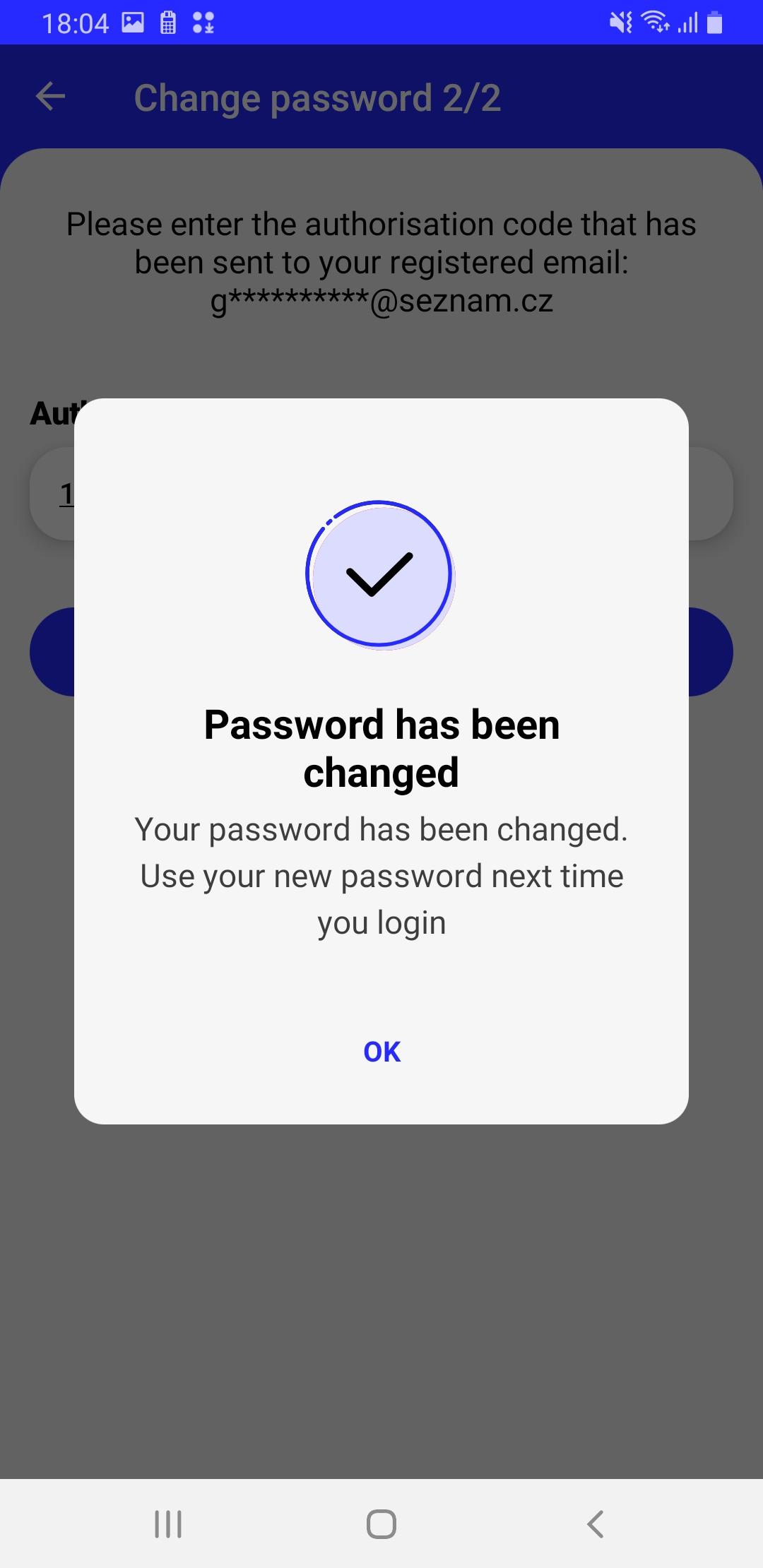
Once the code is entered correctly, the following screen will appear and you will be automatically logged in. Once you are successfully logged in, the main application screen will appear. Of course, you will not see any payments made when you first start.

- Verify that you are entering your email and password correctly.
- Make sure you are connected to the internet.
- If you have forgotten your password, you can reset it by following this procedure.