

Since version 1.57.0 you can easily add your logo to your receipt! In the following steps we will go through the settings in the Genius mobile pay app. The logo is automatically set up for the whole company, so just set it up on one of the terminals and it will be automatically overwritten on the others. Once you set your own logo, the change will only be overwritten for new transactions.

Logo parameters
To guarantee the correct display of the logo on the receipt, we recommend uploading a logo with the following parameters:
– JPG or PNG format
– image size: max. 1MB
– high-contrast colours
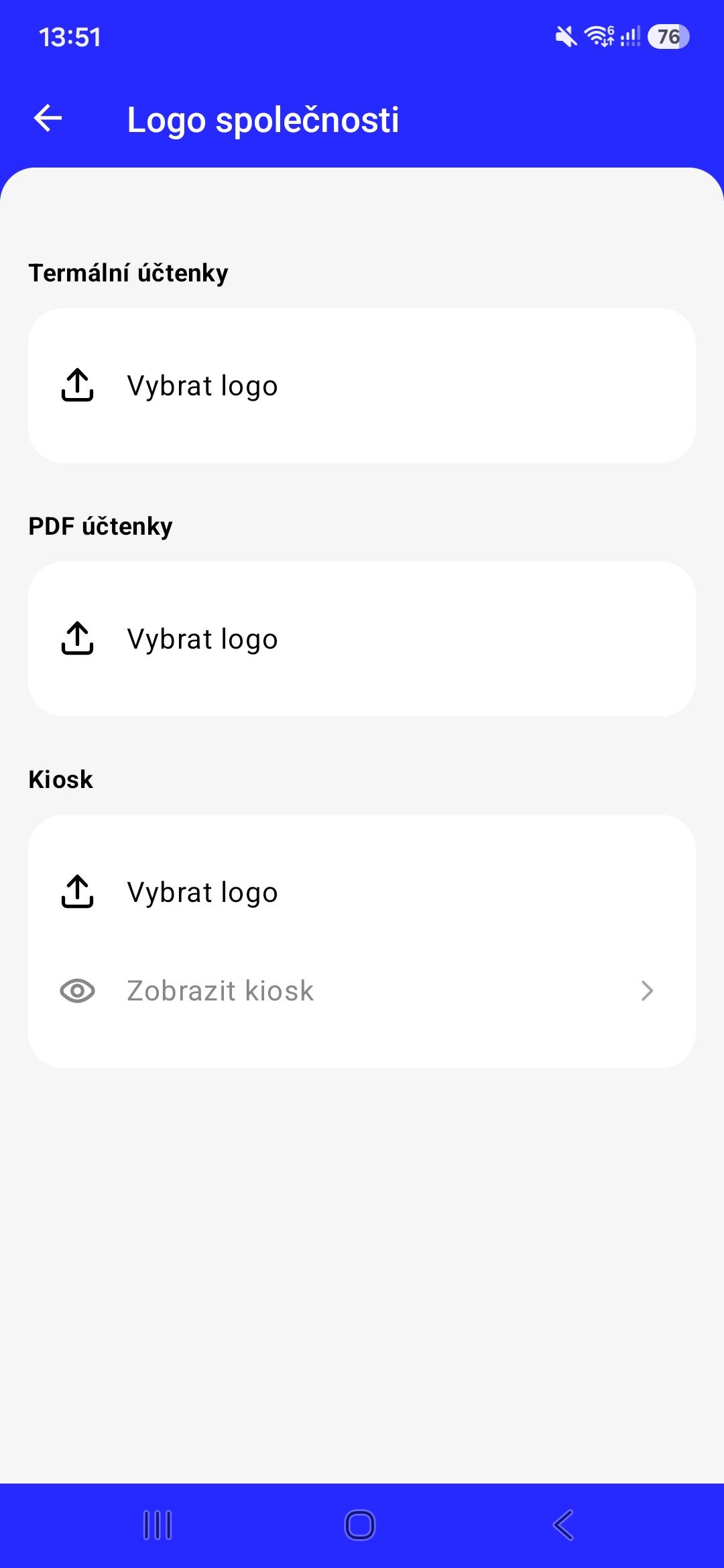
To upload your own logo, click on „Select logo“. Then click „SELECT FROM GALLERY“ and select the image of the logo you want to upload.
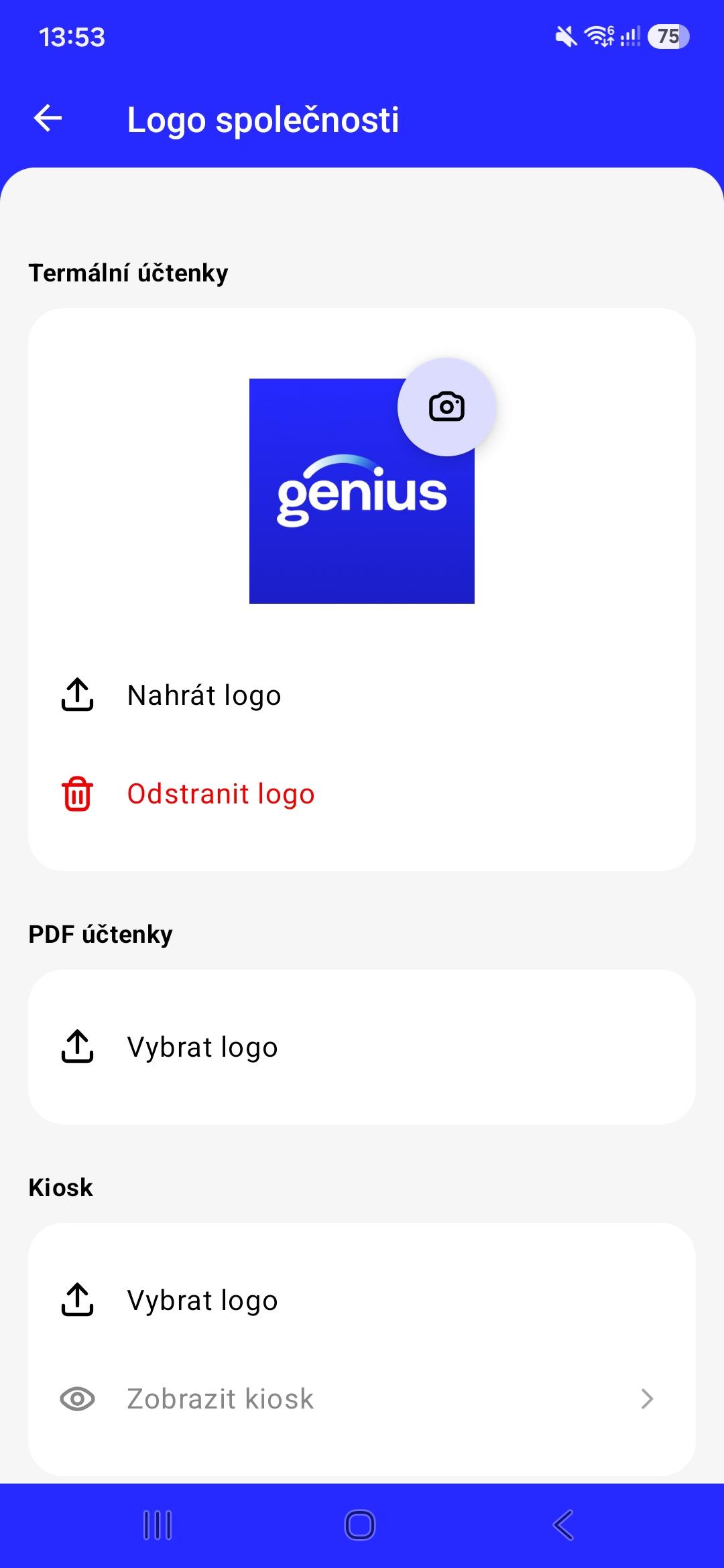
You will then see the logo you have selected on this screen. To upload it, click on „Upload logo“. If you need to change the logo, just click on the camera icon and select another logo from the gallery.
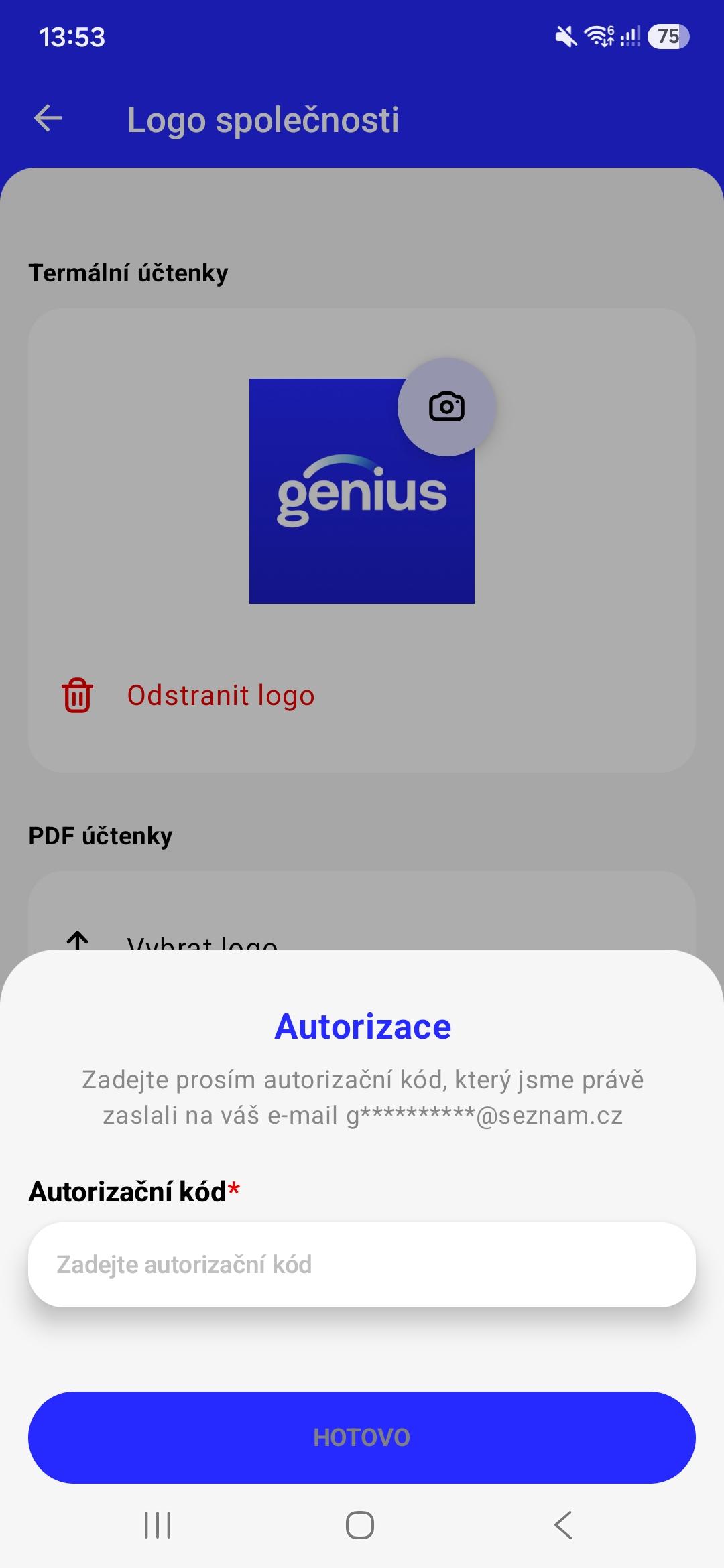
In the next step you need to authenticate yourself with an authorization code that will automatically be sent to your email.
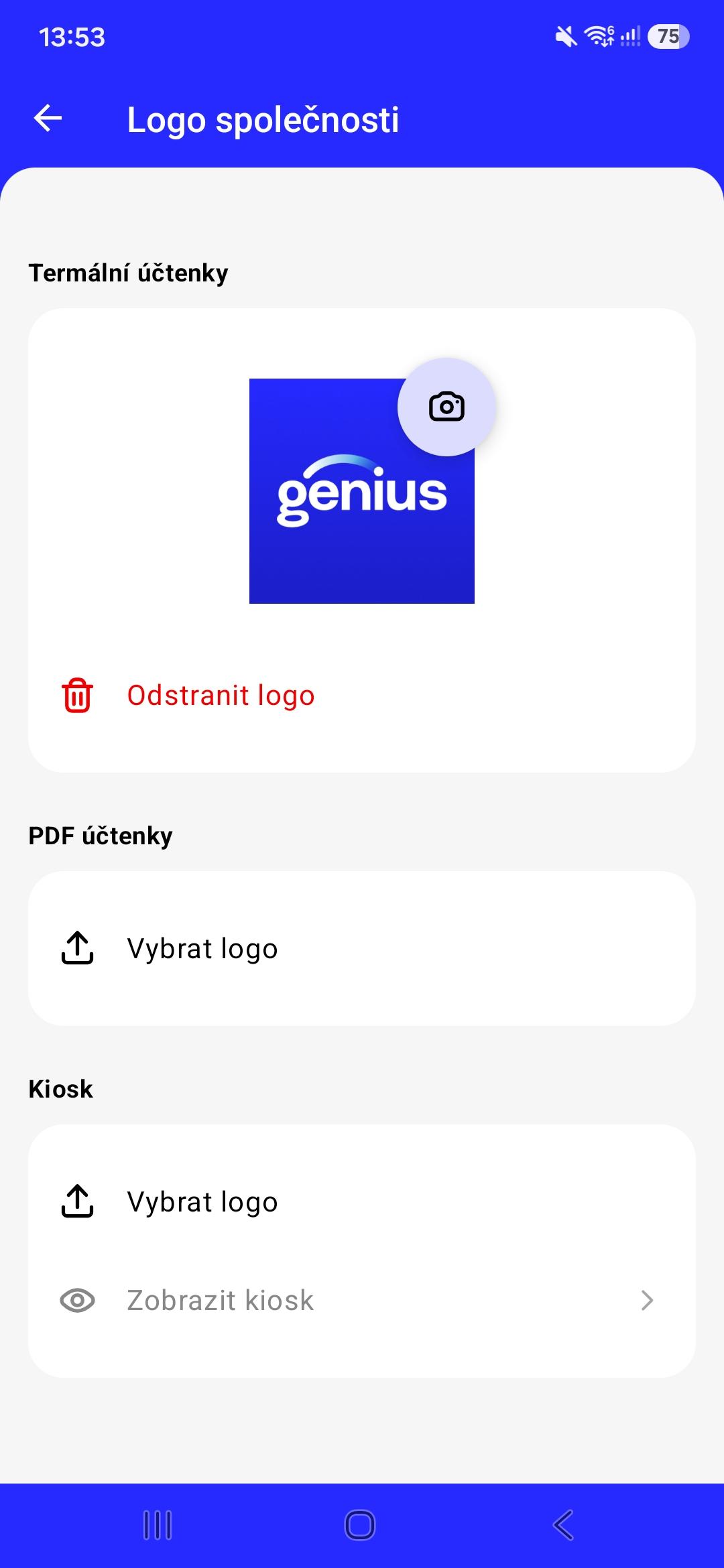
You have now successfully uploaded your logo! If you need to change it, just click on the camera icon and select another logo from the device gallery. Alternatively, you can also delete the logo by clicking on „Delete logo“.

Logo settings for individual receipts
This process of setting up a custom logo needs to be gone through for each section:
- Terminal receipts - these are printed receipts via a connected printer
- PDF receipts - receipt sent via email or SMS from Genius mobile pay
- Kiosk - if you use the Cloud API in kiosk fashion, it is possible to set the logo that will be displayed on the screen